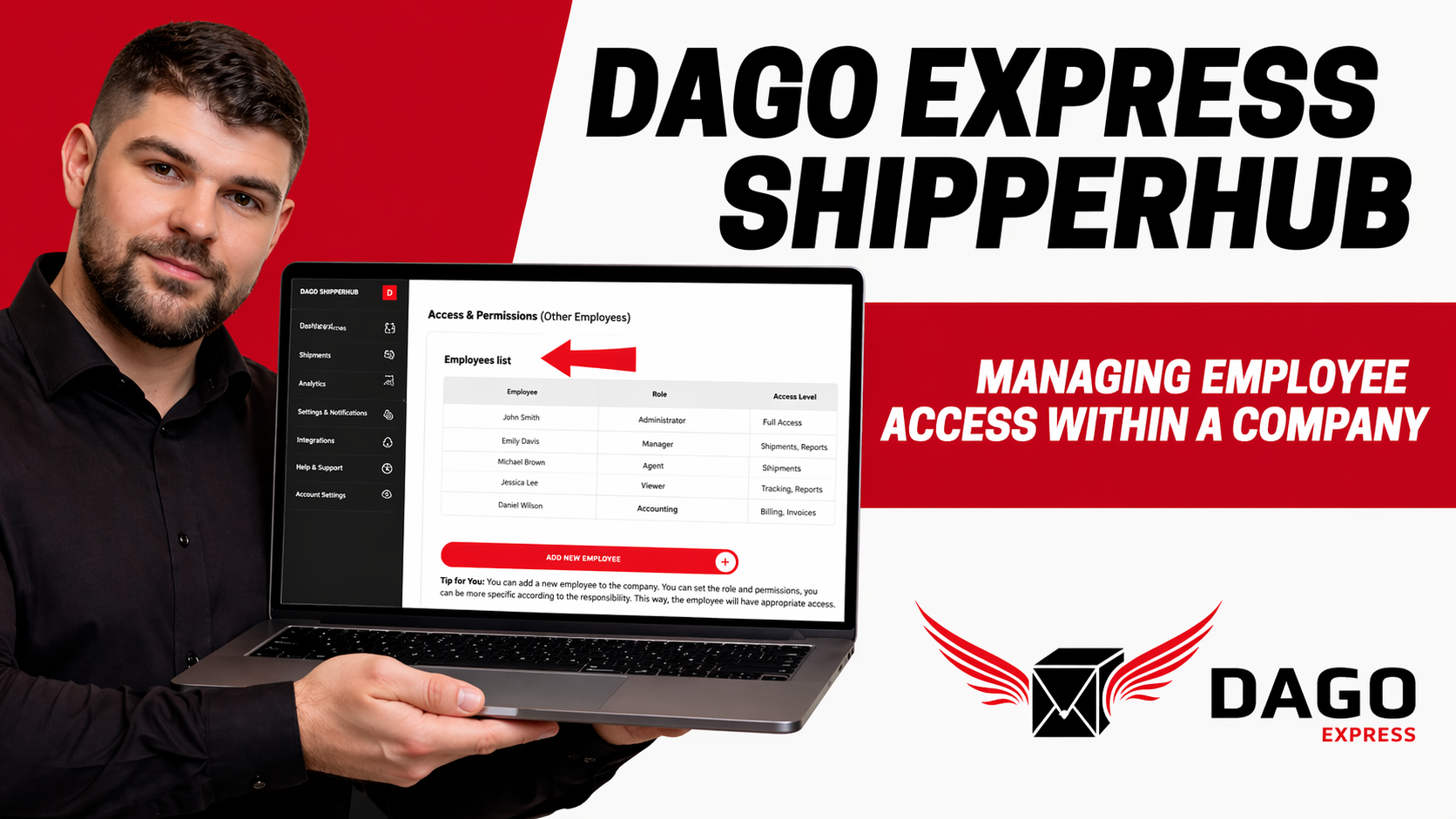
When multiple employees work with DAGO Express, you need clear access, defined roles, and centralized invoice management. That is exactly what the DAGO Express ShipperHub is designed for. The system brings together bookings, shipments, user permissions, and billing within one shared company account. Instead of everyone using separate logins, all team members work within the same structured environment. This saves time, prevents errors, and improves overall visibility. Especially for growing teams, multiple brands, or different responsibilities, ShipperHub becomes an essential organizational tool.
Key Takeaways
The DAGO Express ShipperHub centralizes shipments, bookings, and invoices in one company account.
Multiple employees can work within the same system without creating separate company accounts.
Roles and permissions ensure that each person only sees what they need.
Accounting teams can manage invoices centrally without accessing sensitive admin settings.
Clear responsibilities and proper user management prevent confusion, duplicate bookings, and delays.
The Central Role of ShipperHub in Your Business
The DAGO Express ShipperHub is the core backend for your shipping operations. It allows you to manage shipments and bookings not only for one company but also for multiple brands or clients if needed. This is especially useful when several teams are involved in logistics processes. Instead of handling multiple separate logins, everything is unified in one company account.
This creates a consistent working environment for bookings, tracking, and invoicing. At the same time, you can control who can see and use specific features. This balance of centralization and control is what makes the system so powerful. A simple example illustrates this: the assistant creates shipments, the accountant reviews invoices, and the owner manages users and company data.
Why Proper Main Account Setup Is Crucial
Before adding employees, the main account must be properly prepared. First, log in using the main company account or an admin account. Then check whether all company data is complete and accurate. This includes your address and billing details. These details are essential because all invoices are generated based on them. Mistakes here can cause ongoing issues. It is equally important to define your internal structure in advance. Decide which departments need access and who should only view, book, or manage settings. This clarity ensures that roles are assigned correctly from the beginning.
How to Add Employees Correctly
In ShipperHub, employees are not created as separate company accounts. Instead, they are added within the existing company account. This is what keeps everything organized. Depending on the interface, the section may be called Team, Employees, or User Management. There, select the option to add a new employee. Enter the required basic information such as name and email address. Optionally, you can add a department or role, such as Accounting or Operations. The most important step is assigning the correct permission level. Usually, the system sends an invitation email or provides a temporary password for the first login.
Area
Typical Inputs
Purpose
Basic Data
Name, email address
Identification and login
Additional Info
Department, role
Internal organization
Permissions
Booking, invoices, admin
Access control
Activation
Invitation or password
Account setup
For external partners, limited access is recommended. Agencies or service providers should only see the areas relevant to their work. This protects your company data while still allowing collaboration.
Assigning Roles and Permissions Properly
A well-structured permission system protects both data and workflows. Roles should never be assigned randomly. A clear separation of responsibilities is essential. The admin or owner has full access. This role can manage users, update company data, and view all invoices. The operations or dispatch team needs access to bookings, shipment tracking, and customer addresses. The accounting department should be able to view and download invoices, but not modify critical settings. The general rule is simple: grant as many permissions as necessary, but as few as possible.
Role
Typical Permissions
Should NOT Access
Admin / Owner
Full control, user management, invoices
–
Operations
Create shipments, track status, manage addresses
Admin settings
Accounting
View and download invoices
User management
External Partner
Limited assigned areas
Full account data
One often overlooked perspective is internal accountability. If roles are unclear, it becomes difficult to track who made changes or who is responsible for bookings. Clear permissions are not just about security but also about structure, training, and quality control. This becomes especially important in companies with multiple brands or clients.
Centralized Invoice Management
One of the biggest advantages of ShipperHub is centralized billing. Instead of handling invoices across multiple employee accounts, everything is managed within one company account. This significantly simplifies accounting workflows. In the invoice or billing section, you can filter by time period, employee, customer, or brand. This makes it easier to find relevant documents. Accounting teams can access this section without needing admin rights, which keeps the system secure. You can also check open and paid invoices and export them in bulk.
For example, at the end of the month, accounting can download all invoices for a specific client directly from ShipperHub. There is no need to request documents from multiple employees. This saves time and reduces errors, especially when working with multiple brands or sales channels.
Improved Team Coordination Through Shared Bookings
When everyone works in the same ShipperHub account, team coordination improves significantly. All team members can see current and past shipments in one place. This visibility prevents duplicate bookings. It also clarifies responsibilities within the team. This is particularly useful when different departments or brands operate simultaneously. Internally, you should define who handles which shipping types or brands. Consistent naming conventions, such as reference fields, also help keep bookings organized.
Area
Recommended Approach
Benefit
Brand Management
Assign responsibilities per brand
Less overlap
Shipping Types
Define internal ownership
Faster processing
Reference Fields
Use consistent naming
Better tracking
Team Visibility
Shared booking overview
Fewer errors
Another key benefit is flexibility. If one employee is unavailable, another can quickly take over because all information is centrally stored. This makes your system more resilient and less dependent on individuals.
Ongoing Maintenance and Daily Operations
A well-configured ShipperHub remains effective only if it is maintained regularly. User accounts should be reviewed frequently. Former employees must be deactivated or removed. If someone changes roles, their permissions should be updated accordingly. Otherwise, outdated access rights can create risks. It is also important to periodically review invoices and booking data to ensure everything aligns with actual usage. New employees should always be added directly to the company account instead of creating separate DAGO accounts. This keeps the system simple and scalable.
Support also plays a role in daily operations. If you encounter issues, you can contact DAGO Express directly or use additional tutorials available on their YouTube channel. This is especially helpful when the interface changes or when dealing with special cases. Regular maintenance ensures that your ShipperHub remains secure, organized, and efficient over time.
Conclusion
The DAGO Express ShipperHub is more than just a shipping tool. It creates structure, centralizes invoices, and enables secure collaboration within one company account. With properly assigned roles and regular maintenance, you can save time, reduce errors, and improve teamwork. Especially for businesses with multiple employees, brands, or clients, ShipperHub becomes the backbone of daily operations. That is why setting it up correctly from the start is essential.
 Dansk
Dansk
 Deutsch
 Eesti
Eesti
 English (GB)
 Español
 Français
 Hrvatski
 Italiano
 Latviešu valoda
 Lietuviškai
 Magyar
 Nederlands
 Norsk Bokmål
 Polski
 Português
 Română
 Slovenčina
 Slovenščina
 Suomi
Suomi
 Svenska
 Čeština
 Ελληνικά
 Русский
 Українська
 български
 العربية
 中文 (中国)
 English